july
Own projectAn online store for women's shoes that is pleasant to browse and easy to buy from on any device.
At a glance
- TaskA store on par with a brand
- ResultA short path from the first screen to purchase
- DevicesPhone, tablet, laptop
- Websitejuly.zamir.com.ua

What the customer gets
01 / Home
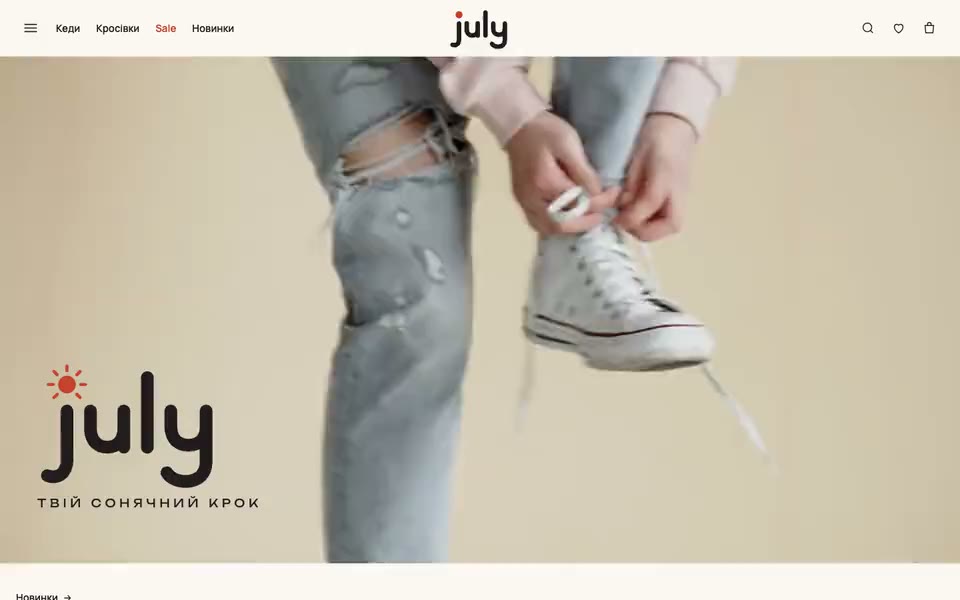
The first screen sets the mood
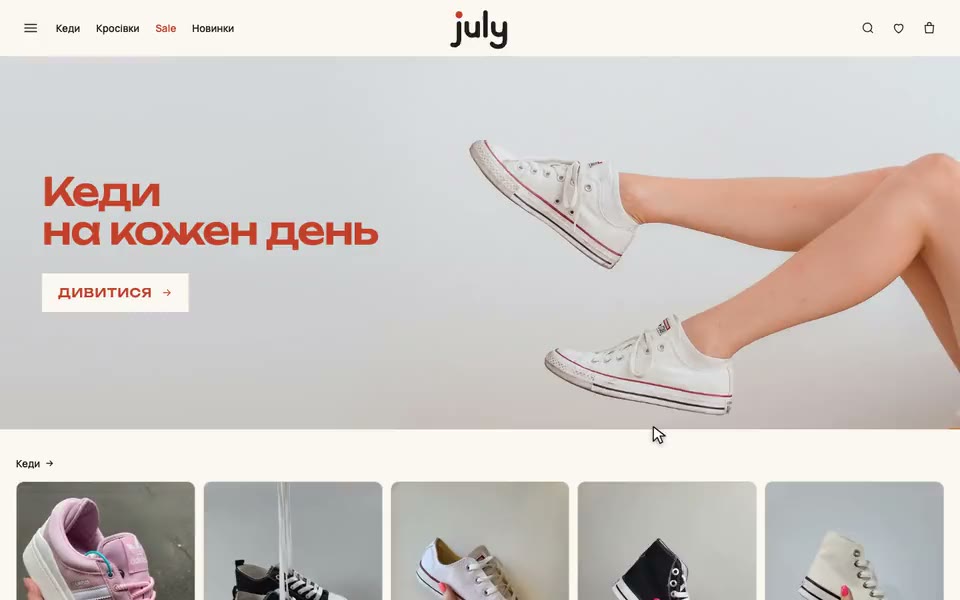
A video shows the shoes in motion, and below it are the collections: canvas sneakers, sneakers, new arrivals and Sale. The customer sees right away what the store offers.
What the customer sees
- Video on the first screen
- Collections with large photos
- New arrivals and deals side by side
02 / Catalog
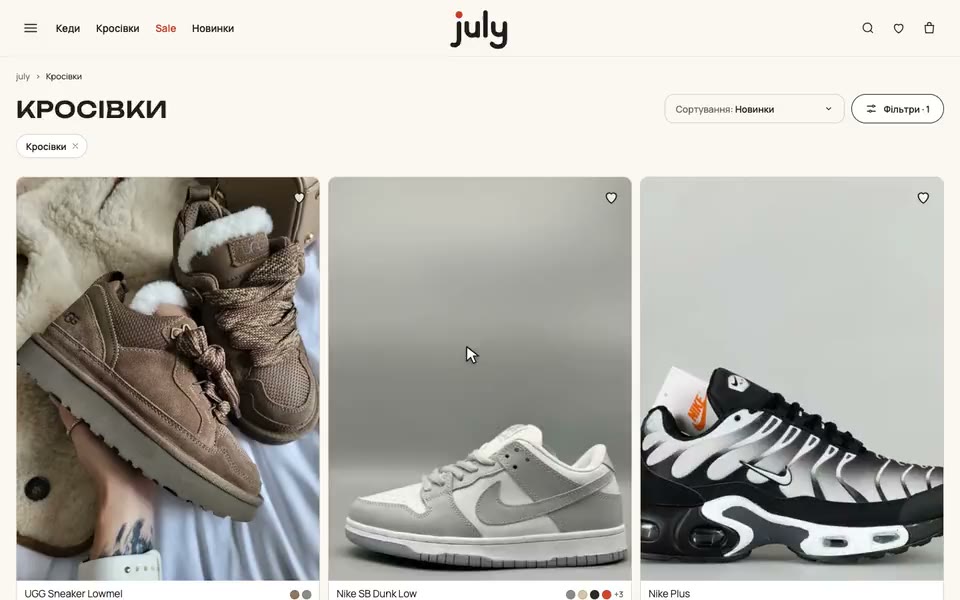
Finding your pair is easy
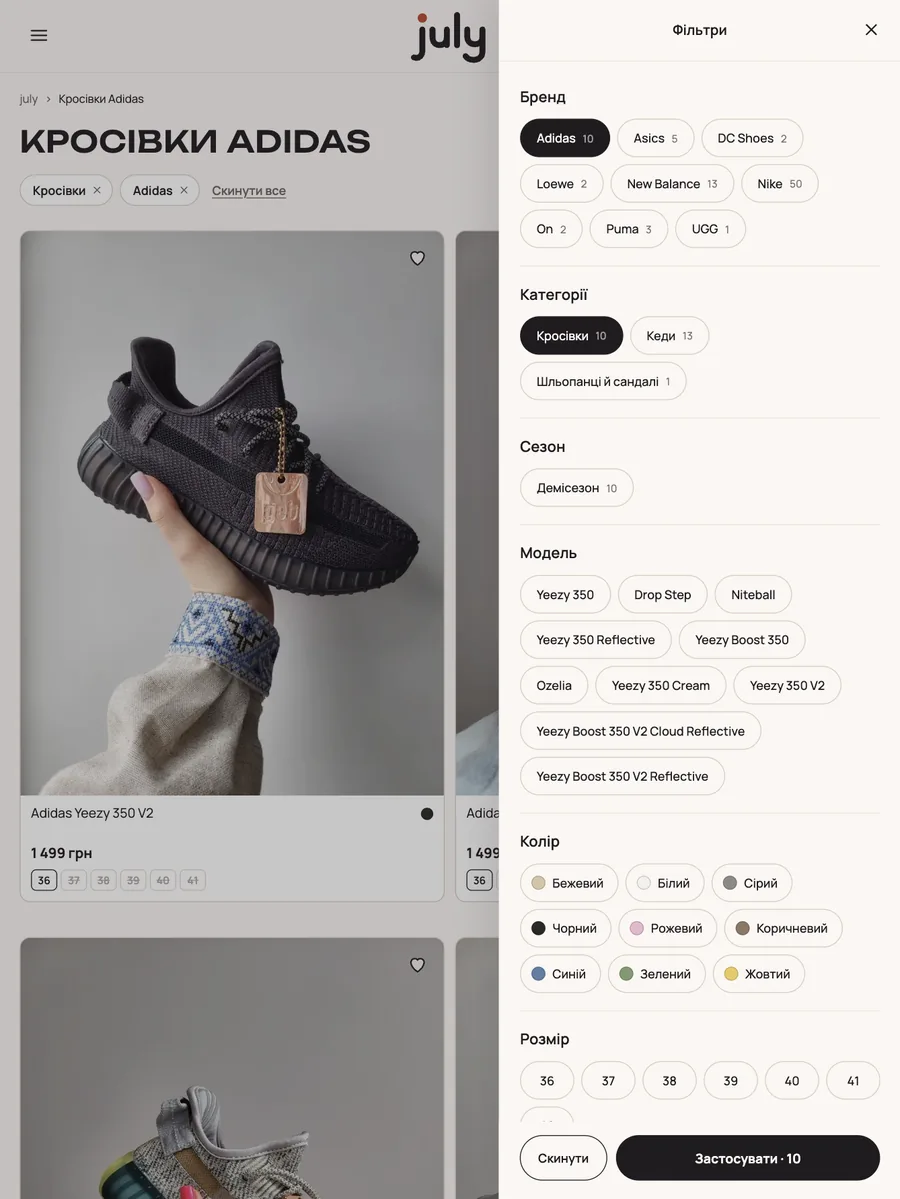
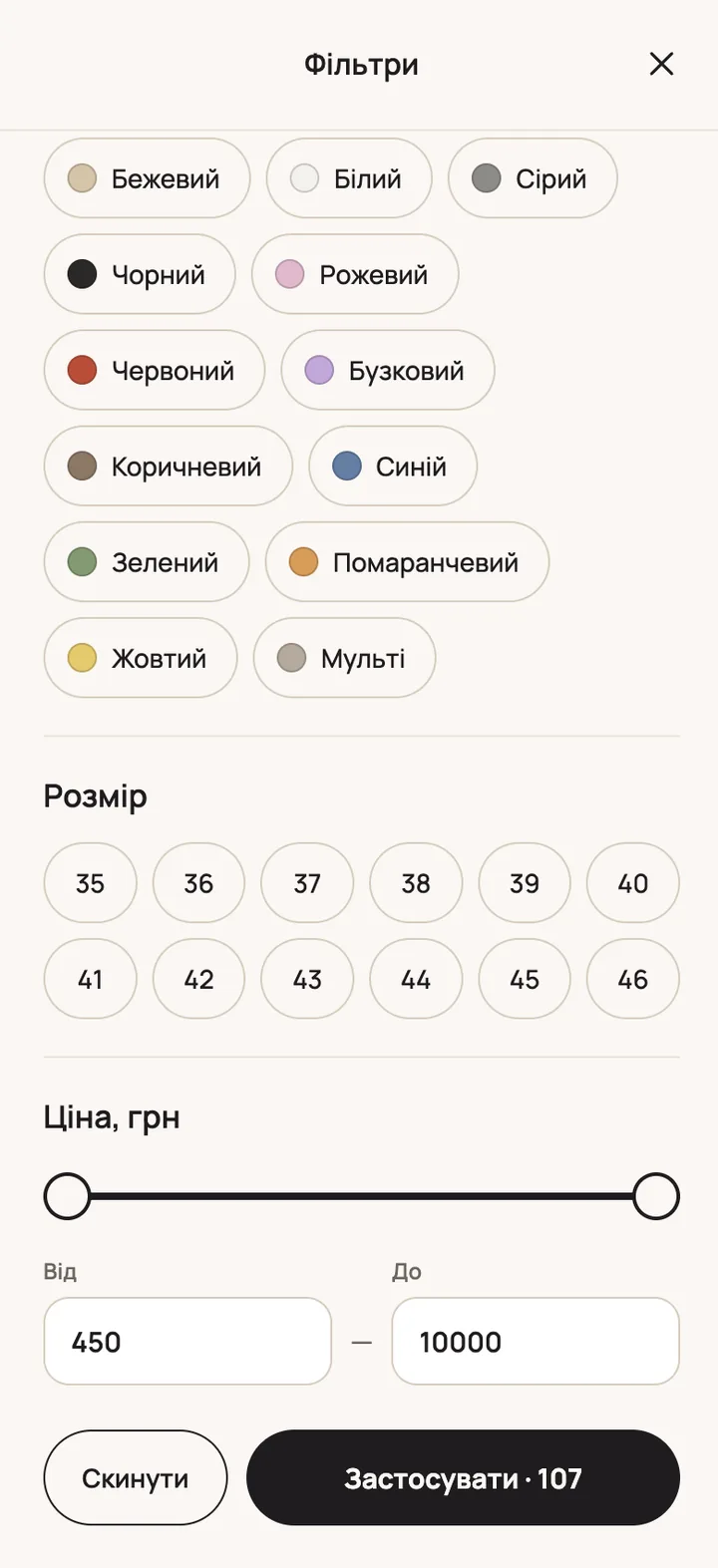
Filters by brand, model, size, color and season. Each option shows how many products match.
How it works
- Filters built around the store's range
- Selected filters above the list
- Just as easy on a phone
03 / Product page
Everything needed to decide, on one page
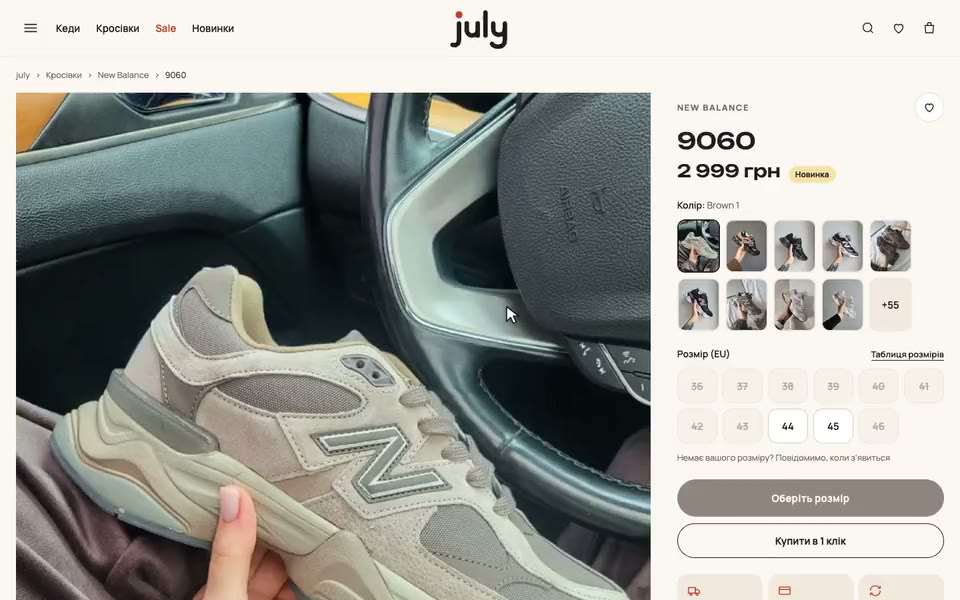
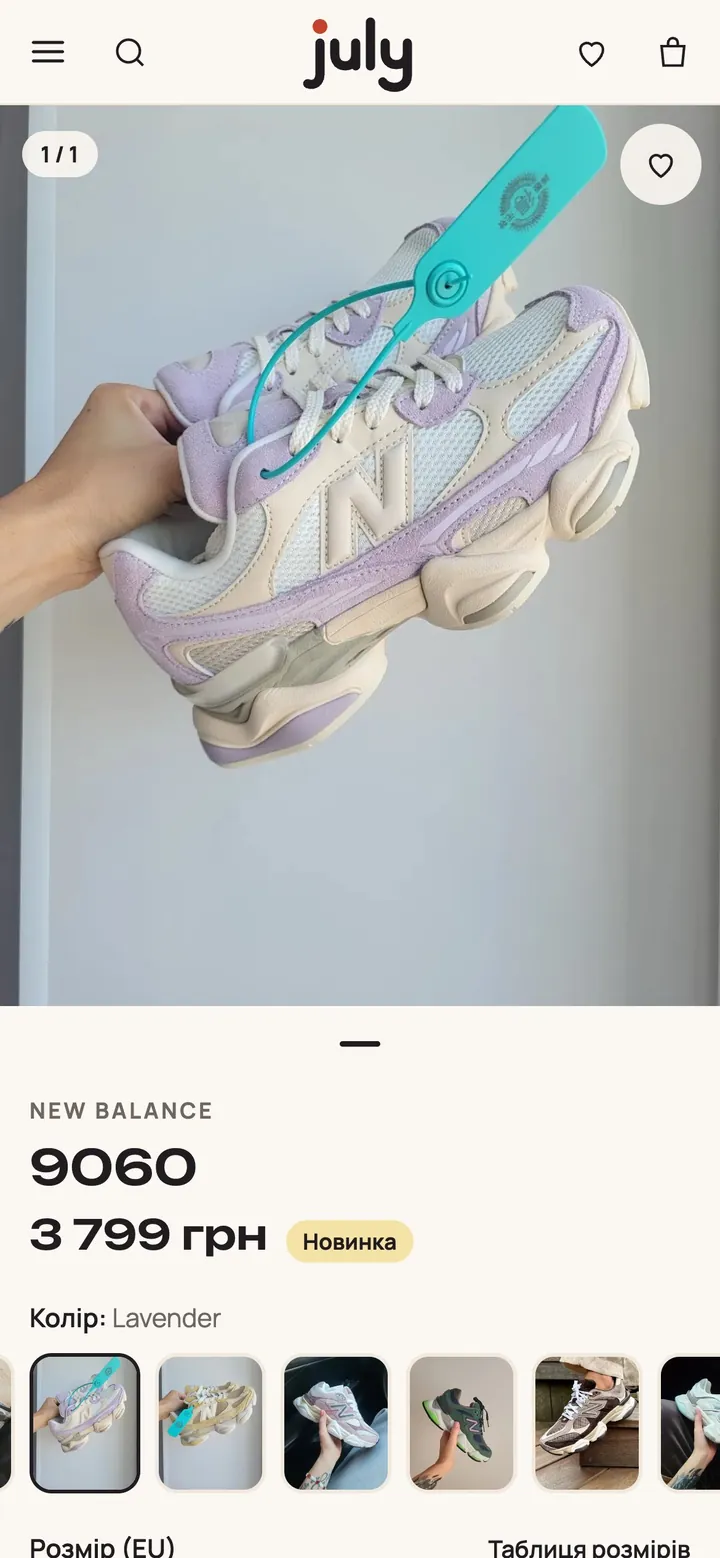
All colors of the model side by side, sizes and a size chart. You can buy in 1 click.
What the customer sees
- All colors of a model on one page
- Sizes that are out of stock show right away
- Buy in 1 click
How we did it
We started with a measure call: we looked at who buys july shoes and where their choice begins. Shoes are most often chosen on a phone, so we designed the catalog and the product page for the small screen first.
Next came the brand: the name, the logo and the palette, and the site’s style grew out of them. The home page shows shoes in motion on video, the collections lead straight to the catalog, and new arrivals and Sale are visible from the first screen.
The catalog has filters by brand, model, size, color and season, and each option shows how many pairs it will find. One product page holds every color of a model, sizes that are out of stock are visible right away, and you can buy in 1 click.
The owner manages the assortment in the admin panel: adds models, colors, sizes and prices. Before launch we went through every screen on a phone, tablet and laptop and fixed everything we found before customers saw the store.
Results for the business
What the store owner gets.
What it means for you
- The store looks like a big brand
- New arrivals and deals lead straight to the catalog
- One model, one page
- You update the range yourself in the admin panel

Need a store at this level?
Tell us what you sell, and we will propose a structure and a launch plan.